
Find Character Conditions
A page that gathers the conditions that can affect Mabinogi characters. Each condition shows its icon, name, ID, and description.
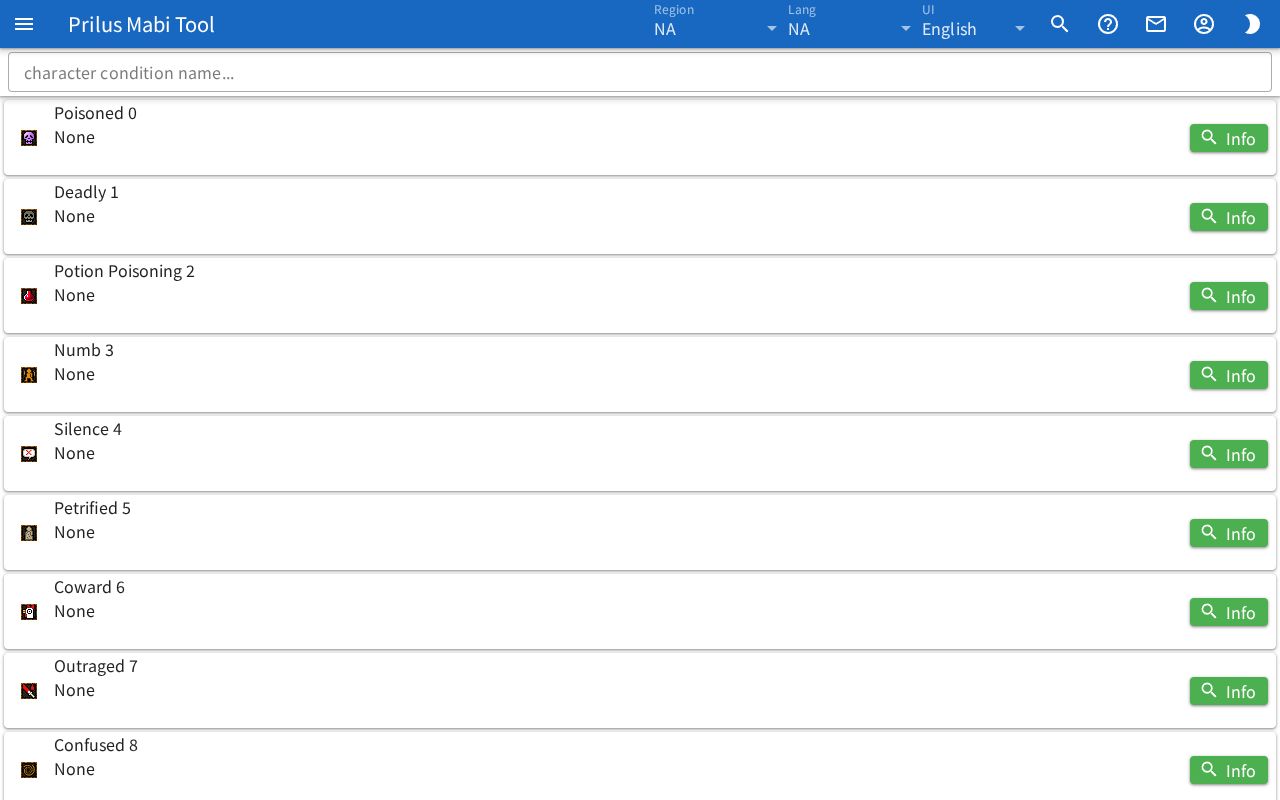
Screen layout
- At the top is the character condition name... search box.
- Below that is the condition list. Each row shows one condition.
- On the left of each row is the condition icon.
- To the right of the icon, the first line has the condition name and ID, and the description is below it.
- At the far right of the row is the Info button.
Basic use
- Enter the name of the condition you want in the search box.
- Only conditions with a matching name stay in the list.
- Check the description in the row.
- To see more, press Info.
Finding conditions
- Entering part of the name also works. Spaces are ignored.
- Entering an ID also works.
- Korean names can also be found by their Hangul initial consonants.
- The best matches come first.
- Clear the search box to see all conditions.
Viewing conditions
- The description is shown joined into one line. Highlighted text appears in bold colored text.
- Press Info to open the "char cond ○○ ID" window. The condition's detailed info appears as a list you can expand.