
Mileage Shop Items
View the items sold in the Mileage Shop by tab. Each item shows its image, name, and mileage price.
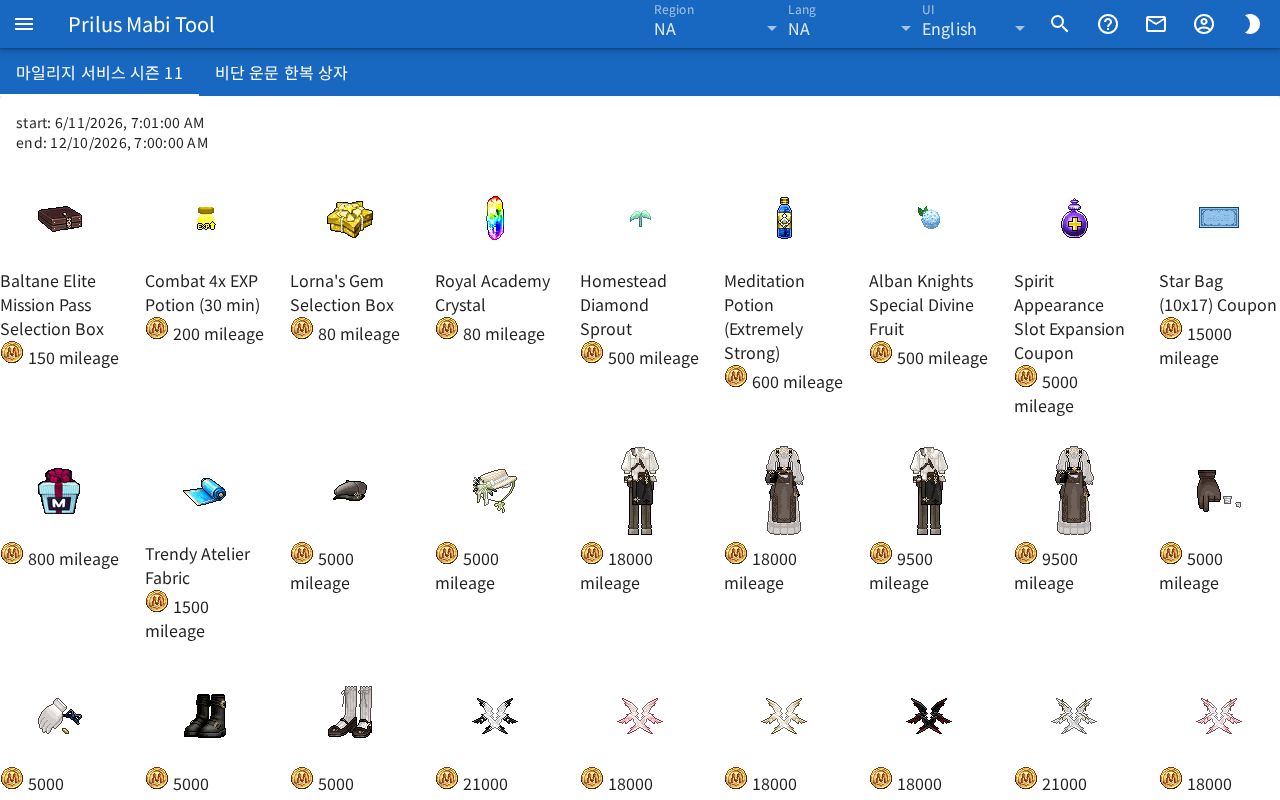
Screen layout
- The Mileage Shop tabs are at the top.
- Below them are the start and end times of the tab you picked.
- Below that, the items of that tab are laid out. Each item shows its image, name, and price.
How to use
- Click the tab you want to see at the top. At first, the first tab is open.
- Check that tab's sale period in start and end.
- Check the name and price below the item image. The price is shown with a small image as "○ mileage".
Good to know
- The start and end times are shown in the time zone of the device you are using.