
Echostone Advancement & Awakening Simulator
Pick an Echostone and try advancement, awakening, and fragmentation. You can also see the stats awakening can give and their probabilities in a table.
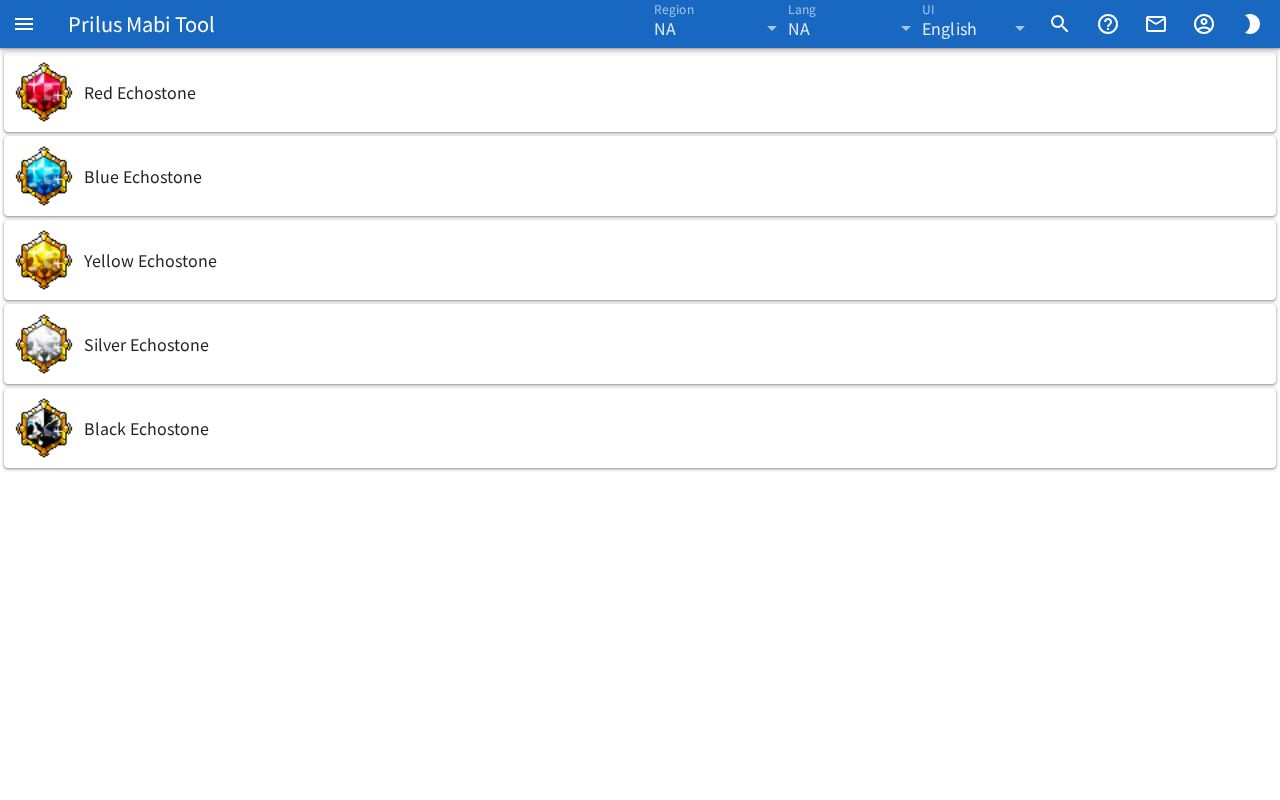
Screen layout
At first you see the Echostone list. Press one to switch to the simulator for that Echostone. With a keyboard, move with Tab and press Enter.
The simulator screen is laid out from top to bottom like this.
- Echostone info: the image, name, Grade, Stats, Awakening result, and the Reselect button.
- Advancement: the Easy, Normal, and Hard buttons and the Max button.
- Awakening: buttons for the items used for awakening.
- Fragmentation: the Fragmentation button.
- Awakening Probability: a probability table you press to expand.
Basic use
- Press an Echostone in the list.
- Press an Advancement button to raise the grade.
- Press an item button under Awakening to get an awakening stat and level.
- To see another Echostone, press Reselect. You go back to the list.
Echostone info
- Grade: the current grade / the highest grade. It starts at 0.
- Stats: the stats gained so far / the highest stats possible up to the current grade.
- Awakening: after an awakening, the stat you got and "Lv.○ / ○" appear.
- Fragmentation Rewards: after a fragmentation, the items you got and their counts appear below it.
Hover over the Echostone image to see its name. Click it to open the item menu. Menu entries differ by item. See Item menu for details.
Advancement
- Each press of Easy, Normal, or Hard tries one advancement. The result shows up in Grade and Stats right away.
- The % on each button is the chance of advancing at that difficulty from the current grade. A button at 0% can't be pressed.
- Press Max to jump straight to the highest grade with the highest stats. When Hard is at 0%, Max can't be pressed either.
- Results are random. The same button can give a different result each time.
Awakening
- Hover over an awakening item button to see the item name.
- Press the button to try one awakening with that item. The stat and level you got appear under Awakening above.
- Press again to get a new result.
- You can't press it at grade 0.
Fragmentation
- Press Fragmentation to try one fragmentation. The items you got appear under Fragmentation Rewards above.
- Press again to get a new result.
- You can't press it at grade 0.
Awakening Probability
Press Awakening Probability to expand the table.
- The Probability Tables button is at the top right of the expanded section. Press it to open this Echostone's probability table on the Probability Tables page. It appears only for Echostones that have a probability table.
- Each awakening stat shows Stats (the stat name), Prob, and Max Lv.
- Press the magnifier button next to Prob to open a window with the probability of each level for that stat. Hover over the button to see Level. The window title shows the stat name and the max level.
- Choose an awakening item in the selector at the top of the window to see the Prob of each level when awakening with that item. If no level is possible, None appears.
- Press Close to close the window.
- For Echostones with no probability info, "No data available" appears.
Opening by address
- When you pick an Echostone, it is added to the page address. Open that address to open the page with that Echostone already picked.
- Press the Echostones button on the Probability Tables page to open this page with that Echostone already picked.